
Trolley
You have no items in your shopping cart

 Budgets
 Dumbers
 Discs
 Benches
 Racks and Rigs
 Weights Holders
 Isotonic machines
 Calisthenics
 Cardio
 Kettlebells
 Flooring
 Gym Set
 Accessories
 Combat
 ARTI MARZIALI
 CONTAINER GYM
 Tug-Of-War
 Used Gym Equipment
 PILATES MACCHINARI
 GINNASTICA ARTISTICA
 CAMPI DA PADEL
 Prodotti in Pronta Consegna
 Informazioni
 IRONMAN
 Gift Card
- Donatif
- General information
- 0 I like it
- 86 Views
- 0 comments
- gym flooring, safety flooring, gym safety, shock-absorbing materials
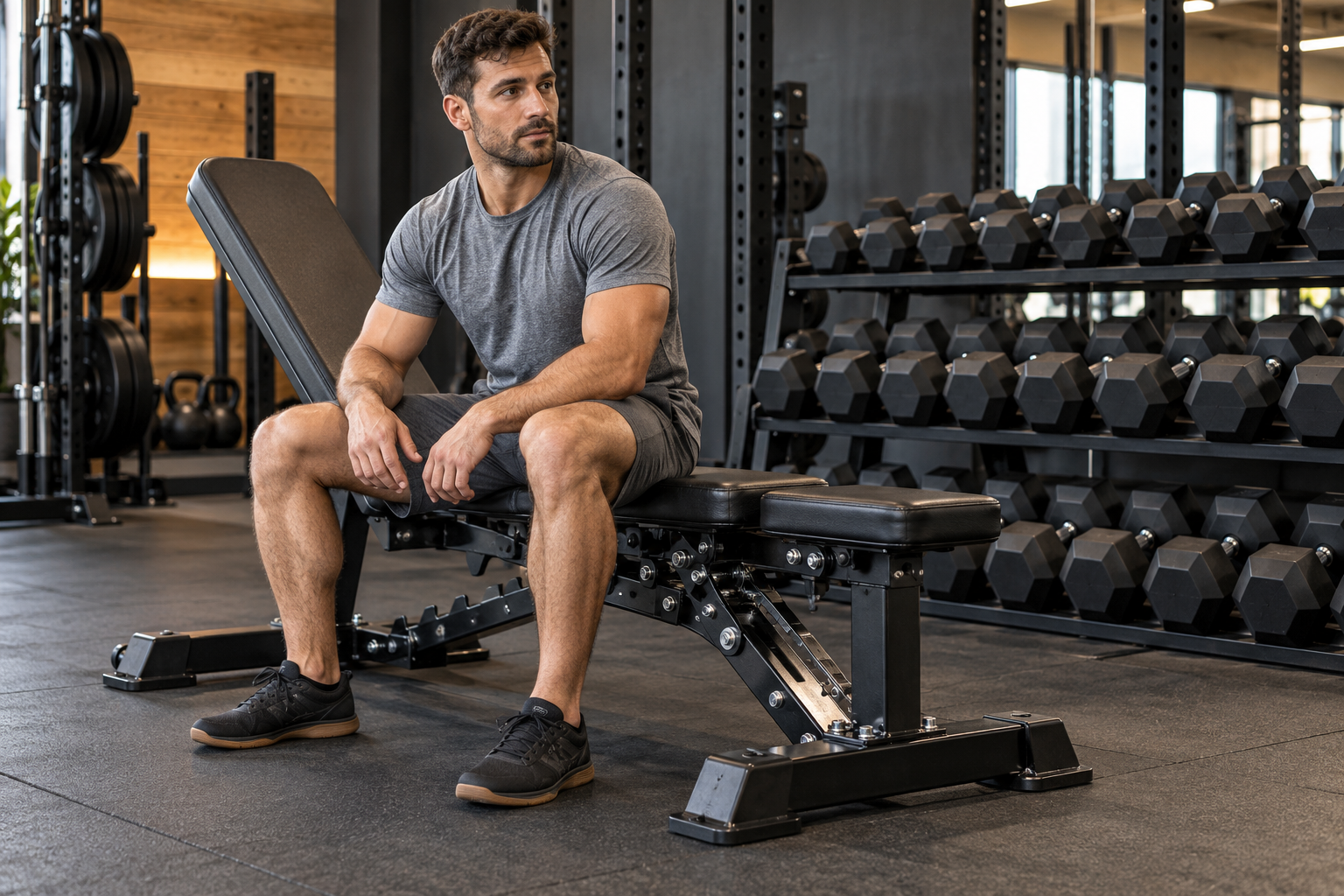
How to Choose Professional Gym Equipment: Buying Criteria
Buying professional gym equipment means building a service that must work every day. A machine may look convincing and offer many features, yet be poorly suited to users, difficult to position or complicated to maintain. The choice therefore starts with the facility's activities and actual operating conditions, before comparing prices and promotions.
A good purchase connects five elements: need, product characteristics, available space, technical support and total cost. Examining them together helps reveal apparently similar offers that involve very different commitments. This guide explains how to prepare a precise enquiry, compare models and organise delivery and commissioning, without relying on marketing labels or performance figures without context.
Technical datasheets, manuals and the supplier's written terms are the references to collect for each model. Specific installation requirements should be checked with the appropriate professionals when necessary.
- Define your requirements
- Read the specifications
- Try ergonomics and adjustments
- Check space and access
- Build a coherent equipment selection
- Assess support and spare parts
- Compare quotations
- Prepare delivery and startup
What equipment does the gym actually need?
Before looking for products, observe activities, users and peak attendance periods. Membership numbers alone do not describe station usage: session length, concentrated arrivals and training methods also matter. A studio with individual appointments and an open-access gym may need different equipment even with similar floor areas.
Separate needs from expansion
For each purchase, write down the function it must perform and the problem it solves. An additional station might reduce a frequent queue; a replacement might address adjustment or maintenance difficulties. If the problem is unclear, you risk duplicating an existing service without improving users' experience.
Divide the list into essential equipment, replacements and expansion. Consider the staff who will assist users too: a complex solution takes time to explain and set up. Growth forecasts can guide the project, but state the assumptions and leave room to revise the equipment selection after observing actual demand.
How should you read model specifications?
Request documentation for the exact product code. A range description does not guarantee identical accessories, adjustments or operating conditions across every version. Check the declared intended use, dimensions, load limits, power supply where applicable and installation requirements. The word professional alone does not describe all these characteristics.
Compare equivalent information
Read each figure alongside its conditions. For example, distinguish machine weight, usable load and permitted user weight: these are different pieces of information. For adjustable products, consider adjustment ranges and methods, rather than just the number of positions. Ask for written clarification when an important point remains ambiguous.
Prepare a table with the same fields for every alternative and mark missing information. Do not treat an absent detail as a favourable characteristic. Photos and videos help explain the configuration, but the model's manuals and datasheets remain necessary to verify limits, included components and the operating conditions required by the manufacturer.
Why should you try ergonomics and adjustments?
A suitable machine should allow the intended users to access the station and set it correctly. During a trial, observe the seat, supports, handles, load selection and instruction readability. Check whether adjustments are easy to reach and whether staff can explain operation without unnecessarily complicated procedures.
Involve people with different needs
Where possible, assess the product with several users representative of the facility. One trial does not describe the gym's entire population. Differences in height, experience and movement ability can reveal limitations that are not apparent in a photograph. Record concrete observations rather than unexplained general judgements such as comfortable or sturdy.
The trial is intended to check the model's suitability, not to force an unsuitable movement. If the facility offers specialist services, involve the people who will deliver them in defining requirements. Accessibility, clarity and the ability to provide assistance should be considered alongside the variety of available exercises.
How much space is needed beyond the machine's footprint?
Draw the layout using actual dimensions and operating spaces stated in the documentation. The rectangle occupied at rest does not necessarily include entry, exit, moving components and technical work. Also consider people waiting, instructors passing through and mobile equipment that may temporarily occupy corridors.
Check the delivery route
Before ordering, check doors, stairs, lifts and corners along the route to the room. Compare these with package dimensions and weight, not just the assembled product. Clarify who handles internal movement and what must be ready on arrival. Difficult access can change timescales and costs.
For flooring, fixings and electrical preparations, use the model's requirements and the checks appropriate to the facility. Avoid invented standard clearances for every machine. Keep maintenance points accessible and allow space for cleaning: an excessively dense layout can complicate daily work even when every machine fits on the floor plan.
How do you balance dedicated machines and versatile equipment?
Dedicated machines can support specific activities; versatile solutions allow multiple configurations. The comparison should start with the gym's programme and station availability at busy times. A multifunction machine occupied for a long time by one person does not automatically equal several stations usable simultaneously.
Assess the complete system
In the strength area, for example, choosing gym barbells requires considering plates, supports, exercise space and storage. Verify compatibility and declared limits for every component. Visual similarity or a similar name does not prove that accessories and systems can be combined.
Plan where mobile items will be stored and how compatible items will be identified. Assess whether the equipment selection can expand without replacing components that still work. The aim is to offer coherent, manageable activities while balancing station availability, ease of use and the ability to adapt the service.
What should you ask about support and spare parts?
Ask who handles technical reports, what information is required and how a visit is arranged. A generic statement about support does not clarify service availability, callout charges or covered components. Request written terms and distinguish work assigned to the gym from tasks reserved for technicians.
Prepare maintenance before purchasing
Consult the manufacturer's maintenance plan and assess time, materials and component accessibility. Ask how to identify spare parts and wear items, and what information is available about their supply. Availability can change: distinguish a sales promise from a commitment documented in the agreed terms.
Compare the consequences of downtime too. If a station supports an essential service, straightforward reporting and restoration become more important. Keep product codes, serial numbers and documents accessible to responsible staff. This organisation avoids reconstructing all the information when a problem appears.
How do you compare prices and total cost?
Compare quotations for the same configuration. Check accessories, transport, internal handling, assembly and commissioning, distinguishing included and excluded items. A lower initial price may require essential additional services. Clarify the warranty terms applicable to the intended use as well, without assuming equivalent coverage in every offer.
Consider total cost over the intended period of use: purchase, installation, maintenance, consumables and any digital services. Use explicit assumptions for uncertain expenses without presenting estimates as guaranteed savings. Choosing the most expensive model does not ensure a better outcome; connect each price difference to a benefit useful to the facility.
What should you prepare before delivery and startup?
Confirm configuration, access, assembly responsibilities and the documents to be supplied. After installation, arrange the required checks and staff instruction. Record any discrepancies and retain supplier contact details. A well-founded purchase decision is completed when the equipment is available under the agreed conditions and the facility knows how to use, inspect and maintain it.
To make comparisons clearer, prioritise requirements before receiving quotations. Some conditions may be essential, such as passing through available access points or compatibility with an already planned service. Other features are preferences to consider only after essential needs have been checked. This order prevents an eye-catching function from compensating on paper for a limitation that prevents the intended use.
During comparison, keep suppliers' answers together with the version of the datasheet consulted. If the proposed configuration changes, update the comparison too: removing an accessory or adding a service can change what the price represents. Assign one person to collect clarifications and decisions so management, instructors and technicians work with the same information.
When the budget requires several phases, plan purchases that leave the room usable at every stage. Avoid buying components that will remain unusable until an undefined future phase. Instead, establish which activities can begin with the initial equipment and which necessarily require other items. After startup, observe waiting times, ease of adjustment and support requests. These findings help determine the next step based on actual use, keeping investment connected to service quality without filling the room with equipment that sees little daily use.
Comments (0)